
Client Portal & Requests
What Clients See When Using the Upload Link
When a client opens the upload link, they’ll see a simple form where they can:
- Enter their email address (for reference—no login required).
- Add an optional comment.
- Upload one or more files.
Example
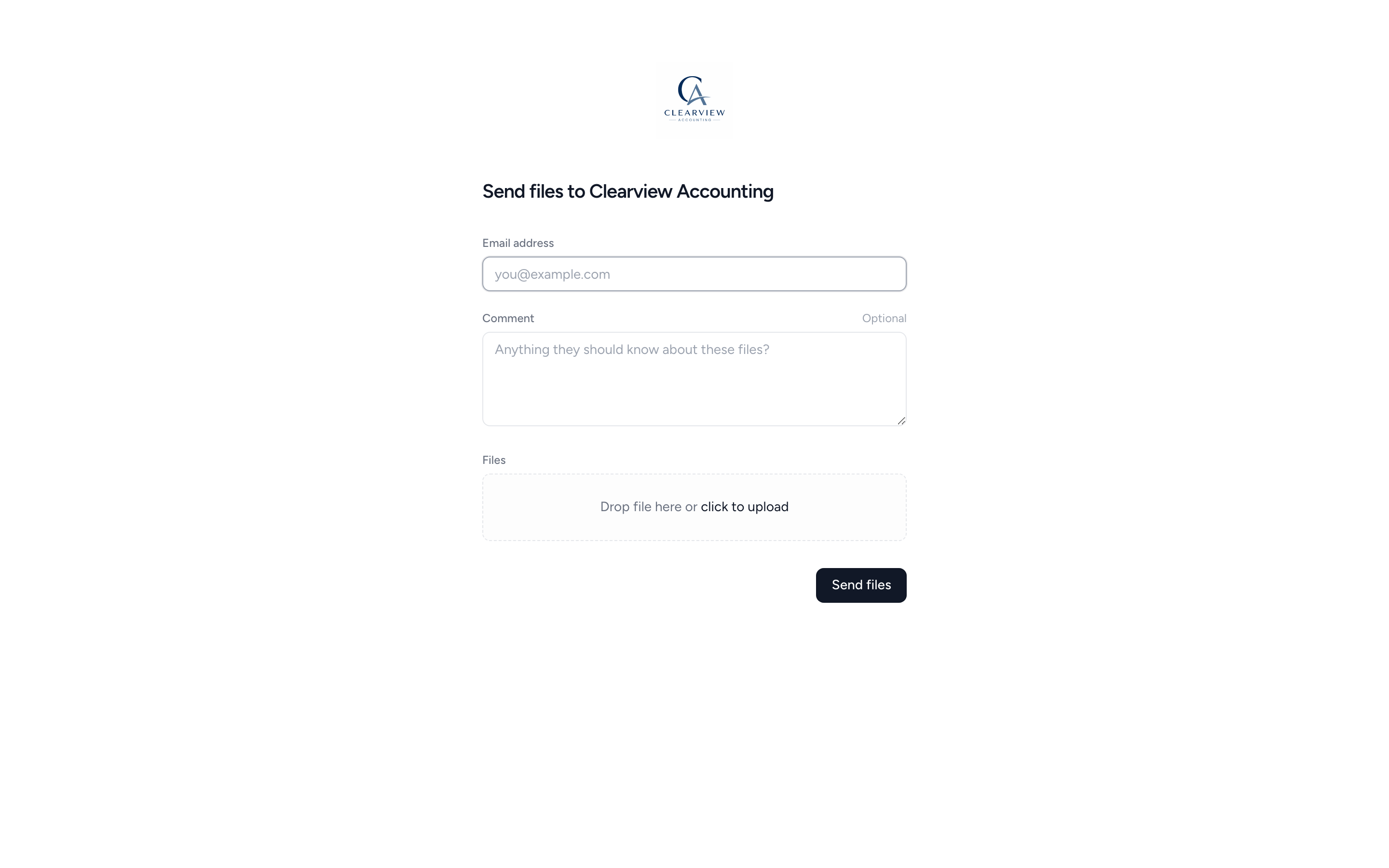
Once they submit the form, they’ll get a confirmation message and the files will be uploaded directly to the Link Uploads folder for that client.
📝 Comments and the email address will appear in the file’s history.
Was this page helpful?
What went wrong?
Thanks for your feedback.
- Previous
- Uploading and downloading files
Last updated March 31, 2025