
Client & Contact Management
Remove Contact from a Client
Remove a Contact from one client
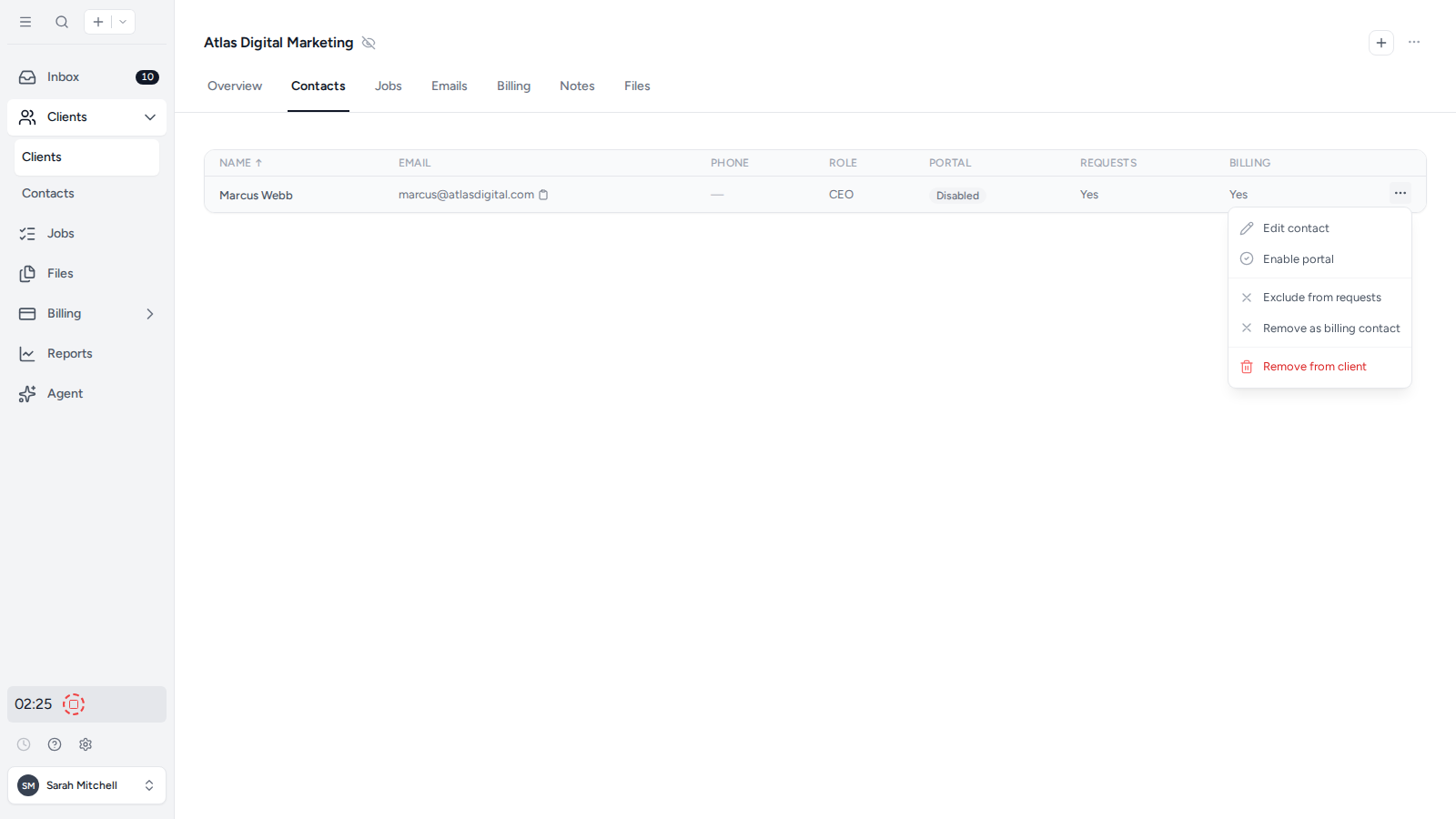
- Open the client in the firm app and select the Contacts tab.
- Open the three-dot menu at the right of the Contact.
- Select Remove from client and confirm the change.
This removes only the relationship between the Contact and that client. It does not delete either record. The Contact remains available elsewhere in the workspace and keeps access to any other clients they are linked to.
Was this page helpful?
What went wrong?
Thanks for your feedback.
- Previous
- Look up Australian clients by ABN
Last updated August 25, 2026