
Job & Workflow Management
Duplicate a Job
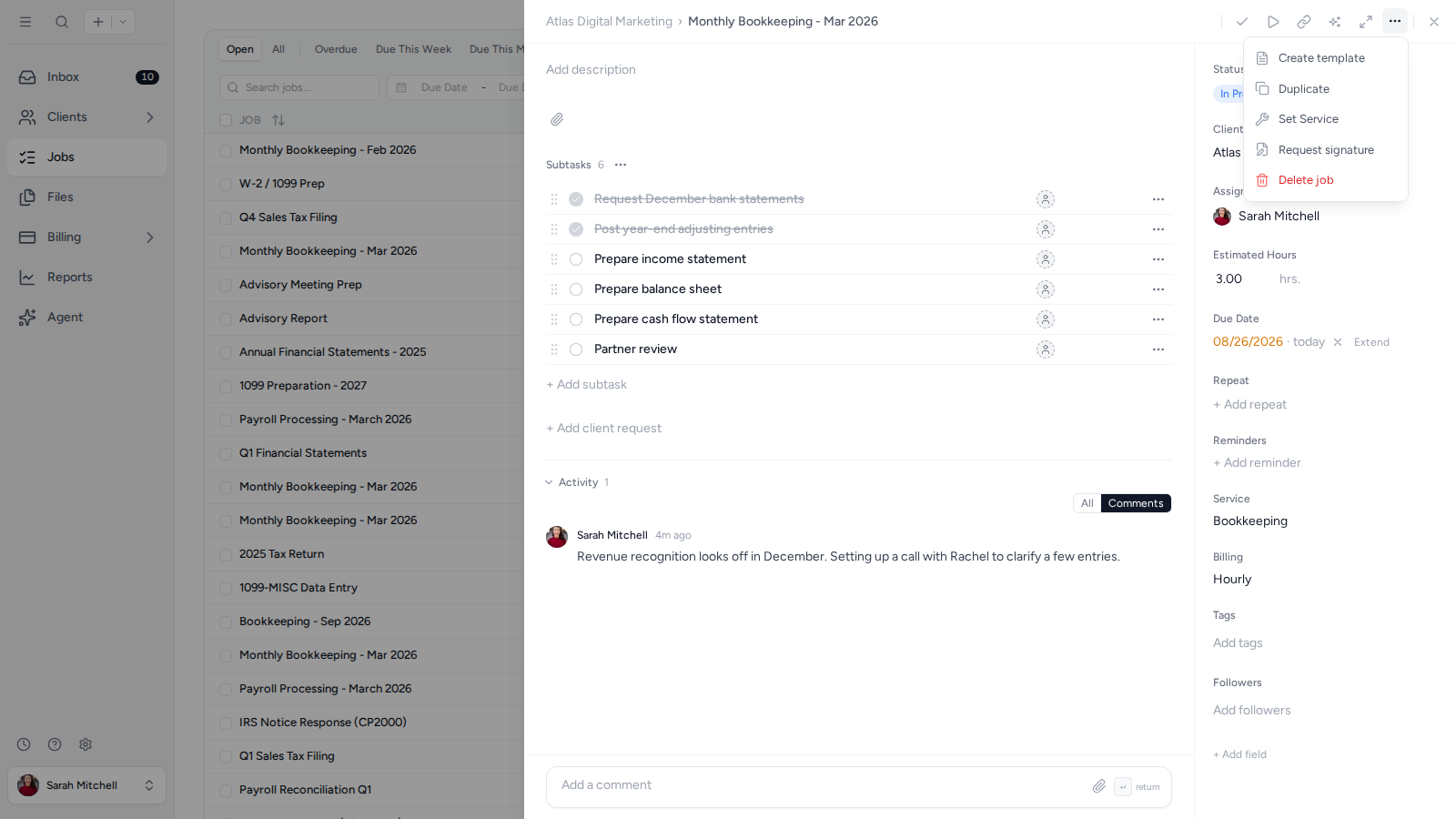
- Open the Job you want to duplicate.
- Open Job actions in the top-right corner and select Duplicate.
- Open the new Job and update its name, client, dates, or other details as needed.
Was this page helpful?
What went wrong?
Thanks for your feedback.
Last updated August 25, 2026